https://www.nawang.go.th/news/activity-news/item/958-activity-1?print=1&start=180&tmpl=component#sigProGalleria2cc01d08f7
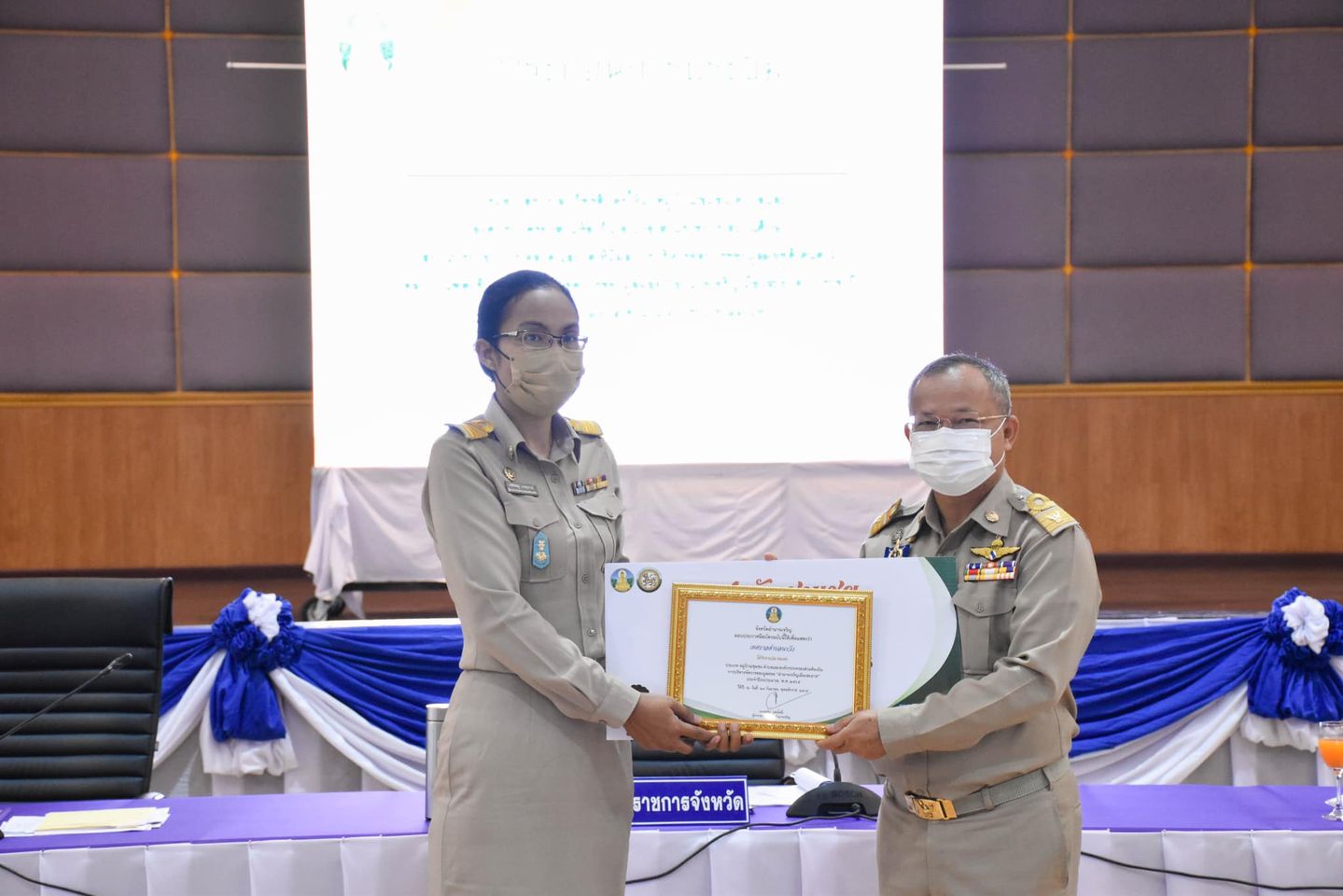
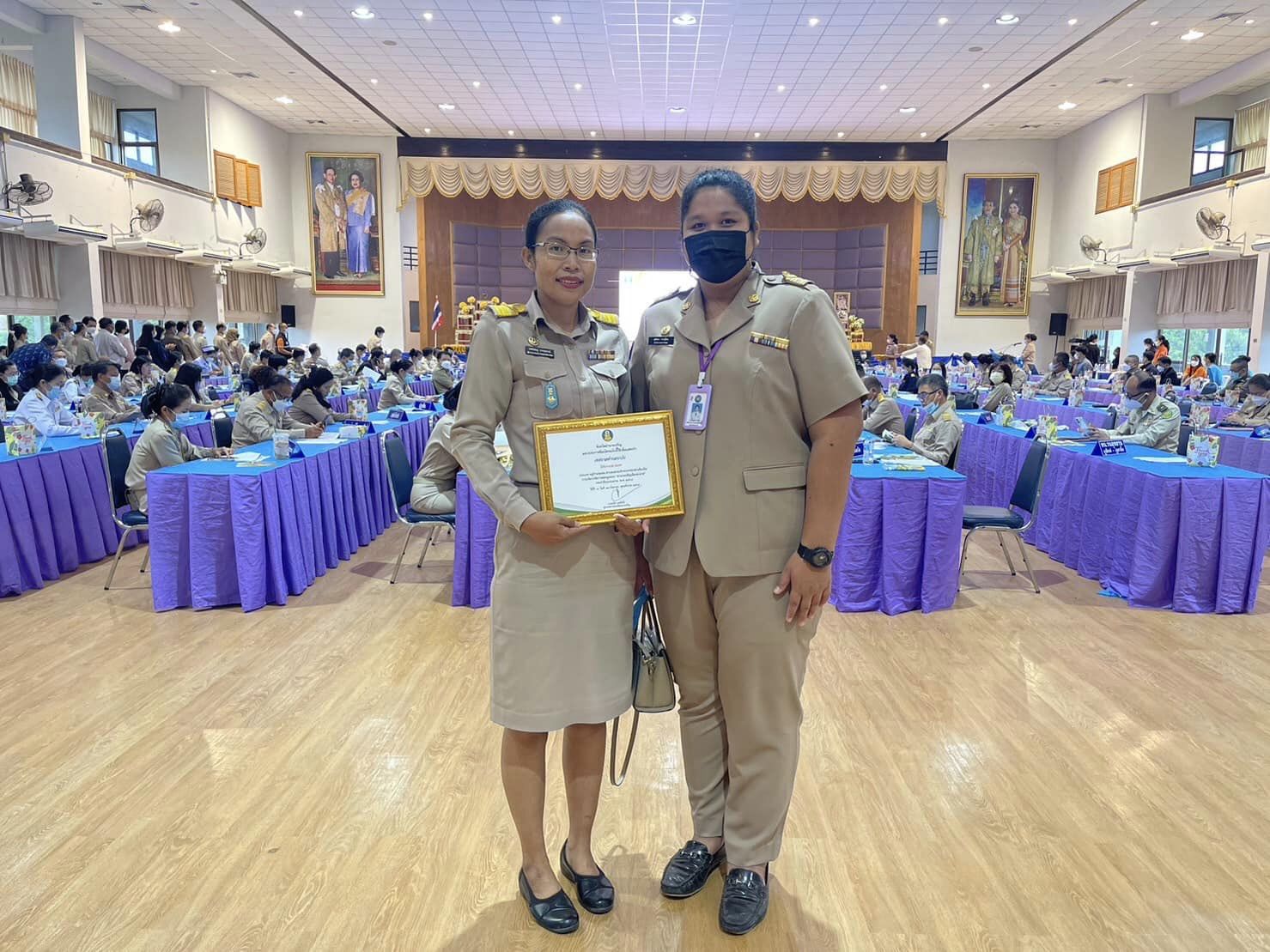
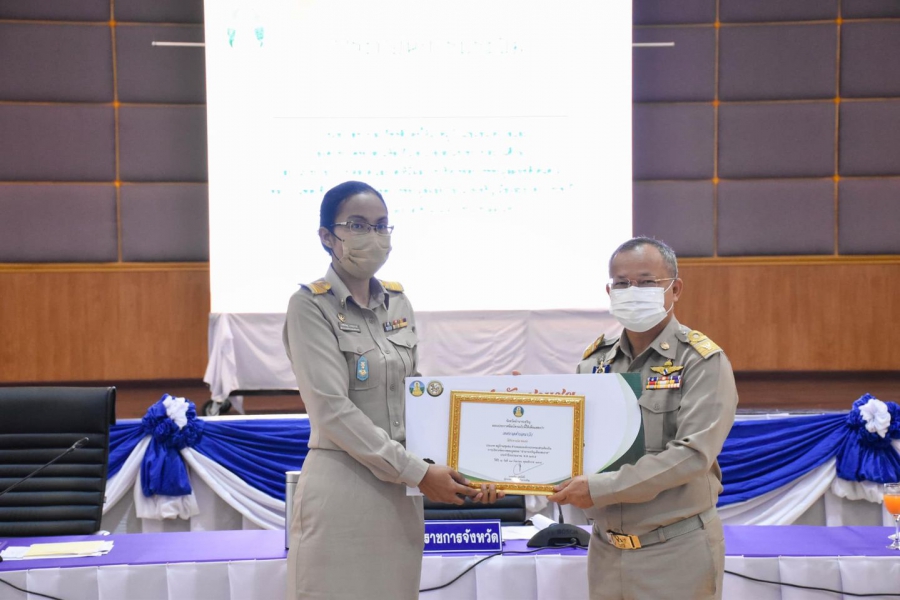
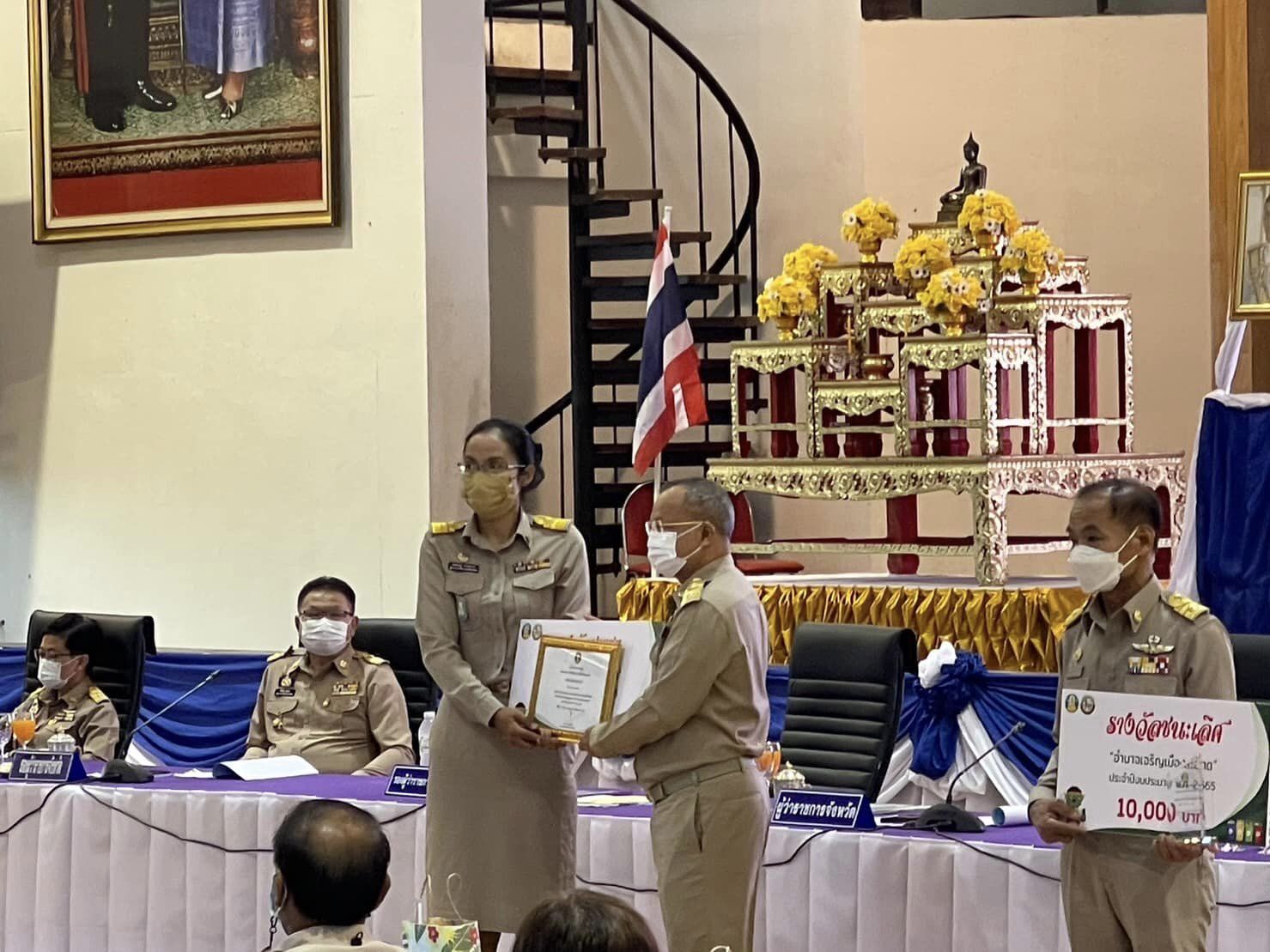
วันพฤหัสบดีที่ 29 กันยายน 2565 นายประยงค์ บุญทอง นายกเทศมนตรีตำบลนาวัง มอบหมายให้นางเพชรชมภู เกษสุพรรณ์ ผู้อำนวยการกองสาธารณสุขและสิ่งแวดล้อม รับมอบรางวัลชมเชย ประเภท หมู่บ้าน/ชุมชน ตำบลและองค์กรปกครองส่วนท้องถิ่น การบริหารจัดการขยะมูลฝอย “อำนาจเจริญเมืองสะอาด”ประจำปีงบประมาณ พ.ศ.2565 โดยมี นายทวีป บุตรโพธิ์ ผู้ว่าราชการจังหวัดอำนาจเจริญ เป็นประธานในการมอบ ณ หอประชุมพญานาครินทร์ ศาลากลางจังหวัดอำนาจเจริญ
site oglinda melbet [url=https://melbet42310.help]https://melbet42310.help[/url]
วันจันทร์, 09 มีนาคม 2569 14:53 โดย : melbet_fqka1win как войти [url=https://1win20819.help/]https://1win20819.help/[/url]
วันจันทร์, 09 มีนาคม 2569 11:52 โดย : 1win_ahOaдоставка грузов из китая, услуги по поиску поставщиков в
китае - это эффективный способ получить продукты из азиатской страны.
1win официальный сайт [url=1win20819.help]1win20819.help[/url]
วันจันทร์, 09 มีนาคม 2569 10:21 โดย : 1win_esOa1win вывести на Bakai через приложение [url=http://www.1win82361.help]http://www.1win82361.help[/url]
วันจันทร์, 09 มีนาคม 2569 07:21 โดย : 1win_ydkiExcelente cassino para quem gostra de cassino online.
O Pin-Up Brasil paga de verdade e saque rápido via PIX.
Indico para quem busca cassino online para quem quer bônus de verdade.
Bônus de R$1.500 e cashback semanal sem rollover.
Sou cliente do Pin-Up Brasil faz um tempo e
nunca tive problemas nas retiradas. Pagamento pelo PIX com atendimento 24/7 impressionam.
A promoção inicial doo Pin-Up Casino supera
muitos concorrentes no mercado brasileiro. Até mil e quinhentos reais e free spins no primeiro depósito.
Plataforma segura que aceita PIX. O Pin-Up Casino
é licenciado e processa saques rápido.
Experimentei essa plataforma e recomrndo com os
4.000 jogos. Catálogo enorme coom Sweet Bonanza e muito
mais.
Ideal para jogar slots online. O Pin-Up Brasil ooferece tudo: cashback, frwe spins e suporte 24h.
Благодарю, всё сделано в точку!
Главный **KRAKEN DARKNET MARKET САЙТ** — это эталон скрытого рынка.
Найти **ДАРКНЕТ ОФИЦИАЛЬНЫЙ САЙТ
KRAKEN** получится с помощью надежных шлюзы.
Система функционирует для того, чтобы каждый мог свободно покупать нужные позиции.
Высокая степень анонимности обеспечивает, что
ваша личность останется скрытой.
Учитывайте про **KRAKEN КЛИР ССЫЛКА**,
которая может быть дополнительным
входом для просмотра витрины. Ваш
успех — это главный приоритет администрации.
kraken ссылка тор krakendarknet top
https://4-slon.cc https://4-slon.cc
ทดลองเล่นสล็อต pg ไม่ เด้ง
วันจันทร์, 09 มีนาคม 2569 06:09 โดย : Charleyraf1win комиссия о деньги [url=https://1win82361.help]1win комиссия о деньги[/url]
วันจันทร์, 09 มีนาคม 2569 06:06 โดย : 1win_tgkirufus Rufus remains a lightweight, no-cost, open-source utility created to make bootable USB drives. It helps users prepare a USB flash drive that can install an operating system, run diagnostic tools, or start a recovery environment. The program works without installation and can be opened as soon as it is downloaded.
The primary purpose of Rufus is to create bootable USB media from ISO images with speed and stability. This allows users to install or run operating systems directly from a USB flash drive without the need for DVDs. The tool supports a broad selection of operating systems and service utilities, which makes it useful for both regular users and system administrators.
Rufus works on computers with Microsoft Windows, starting from Windows 7. Both 32-bit and 64-bit versions are supported, and there is also a version available for ARM64 architecture.
The software allows users to create bootable USB drives from many different ISO images. It can be used to prepare a USB drive for installing Windows 11, Windows 10, Windows 8.1, or Windows 7, as well as various Linux distributions. Rufus also works with DOS systems and other recovery or maintenance tools commonly used for troubleshooting computers.
One of the built-in features of Rufus is the ability to download official Windows ISO images directly from Microsoft servers. This allows users to obtain original installation images for Windows 8.1, Windows 10, and Windows 11 without searching for them on third-party websites.
In addition to creating bootable drives, Rufus can format USB devices. It supports several file systems including FAT32, NTFS, exFAT, UDF, and ReFS. This flexibility allows the USB drive to be prepared for different use cases and compatibility requirements.
Rufus supports both legacy BIOS systems and modern UEFI environments. Because of this, bootable drives created with Rufus can work on older computers as well as newer systems that use UEFI and Secure Boot.
Another feature included in Rufus is Windows To Go support. This option allows users to run a full Windows environment directly from a USB drive. It can be useful for testing systems, performing maintenance, or working on multiple computers without installing Windows on the internal drive.
Rufus also provides the option to bypass certain Windows 11 installation requirements. When creating an installation USB, the program can disable checks for TPM 2.0, Secure Boot, and minimum RAM requirements. This makes it possible to install Windows 11 on computers that would otherwise not meet the official hardware requirements.
One of the reasons Rufus has become popular is its speed and simplicity. The program is extremely small, about 1.9 MB in size, and runs as a portable application without installation. It is distributed under the GPL v3 open-source license, supports more than 70 languages, and contains no advertisements, bundled software, or tracking components.
Rufus works with a large number of ISO images. These include multiple versions of Windows, Windows Server editions, FreeDOS, and various system tools such as GParted, Hiren’s Boot CD, Parted Magic, and Clonezilla. Because of this wide compatibility, the program can be used not only for installing operating systems but also for disk management, data recovery, and system maintenance tasks.
To use Rufus, a computer running Windows 7 or later and a USB flash drive are required. The program does not need to be installed. Users simply download the executable file, run it, select the ISO image they want to use, and create a bootable USB drive. Due to its simplicity, speed, and reliability, Rufus remains one of the most widely used tools for creating bootable USB drives.