


















เทศบาลตำบลนาวังรับรางวัล การบริหารจัดการขยะมูลฝอย “อำนาจเจริญเมืองสะอาด”ประจำปีงบประมาณ พ.ศ.2565
วันพุธ, 05 ตุลาคม 2565 15:44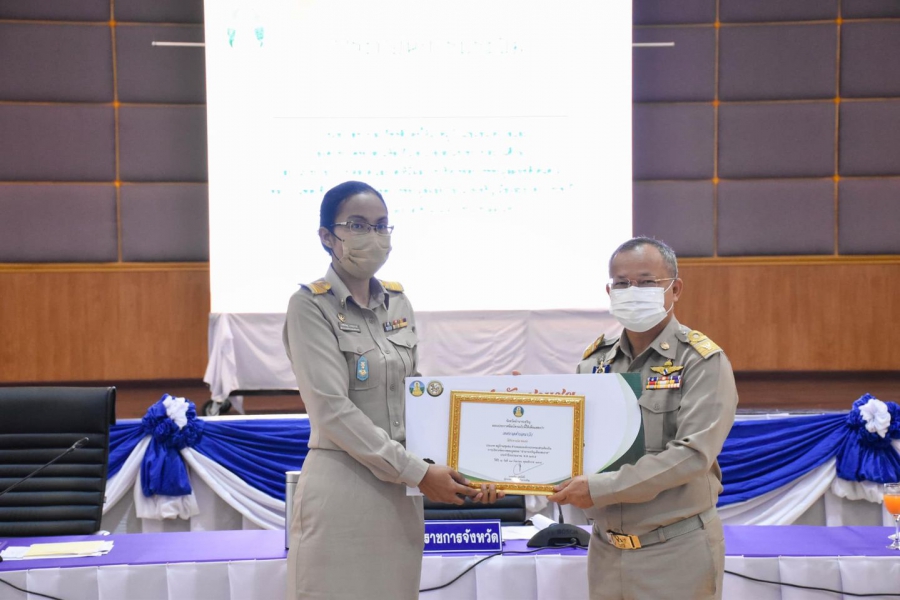
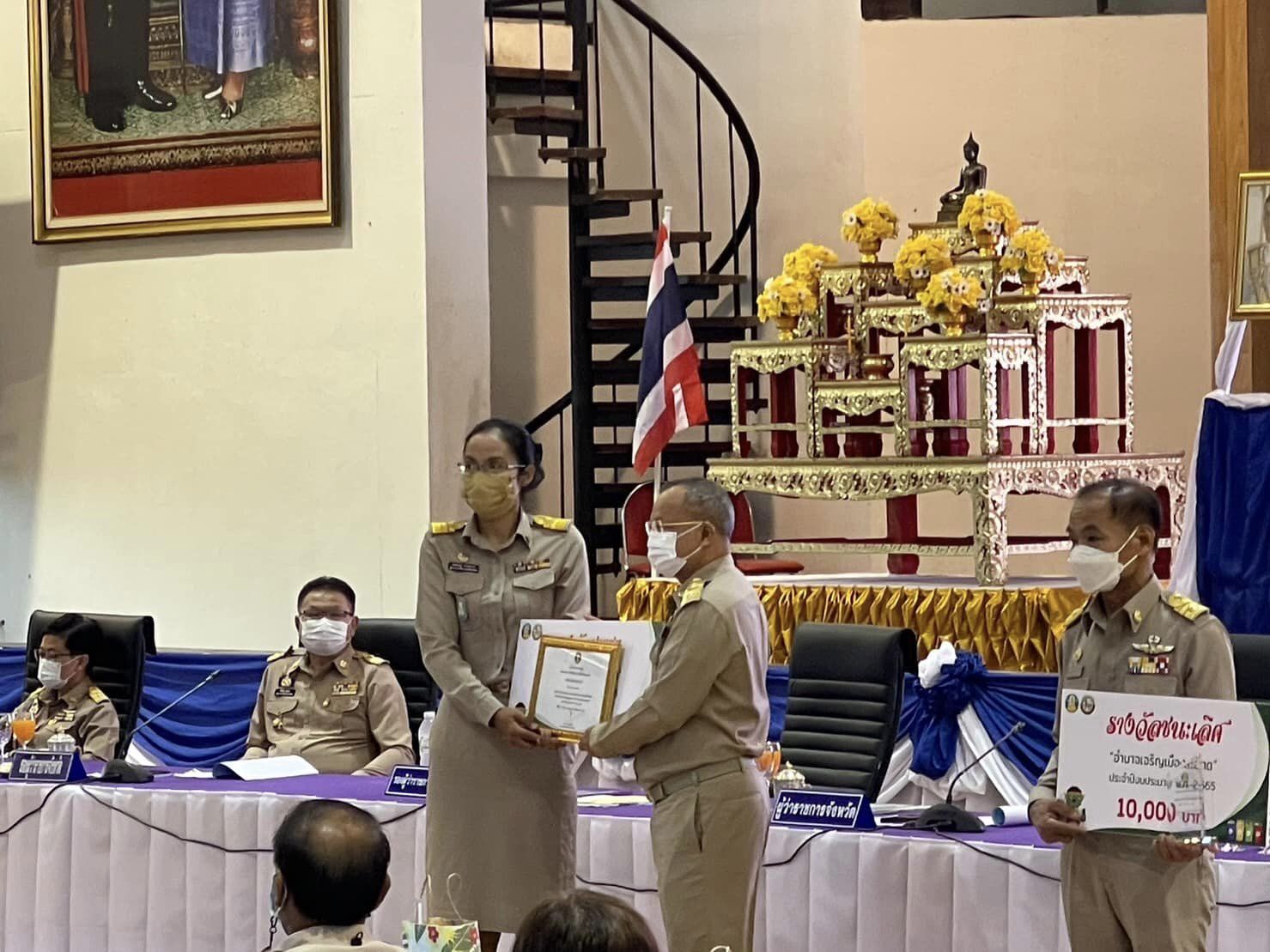
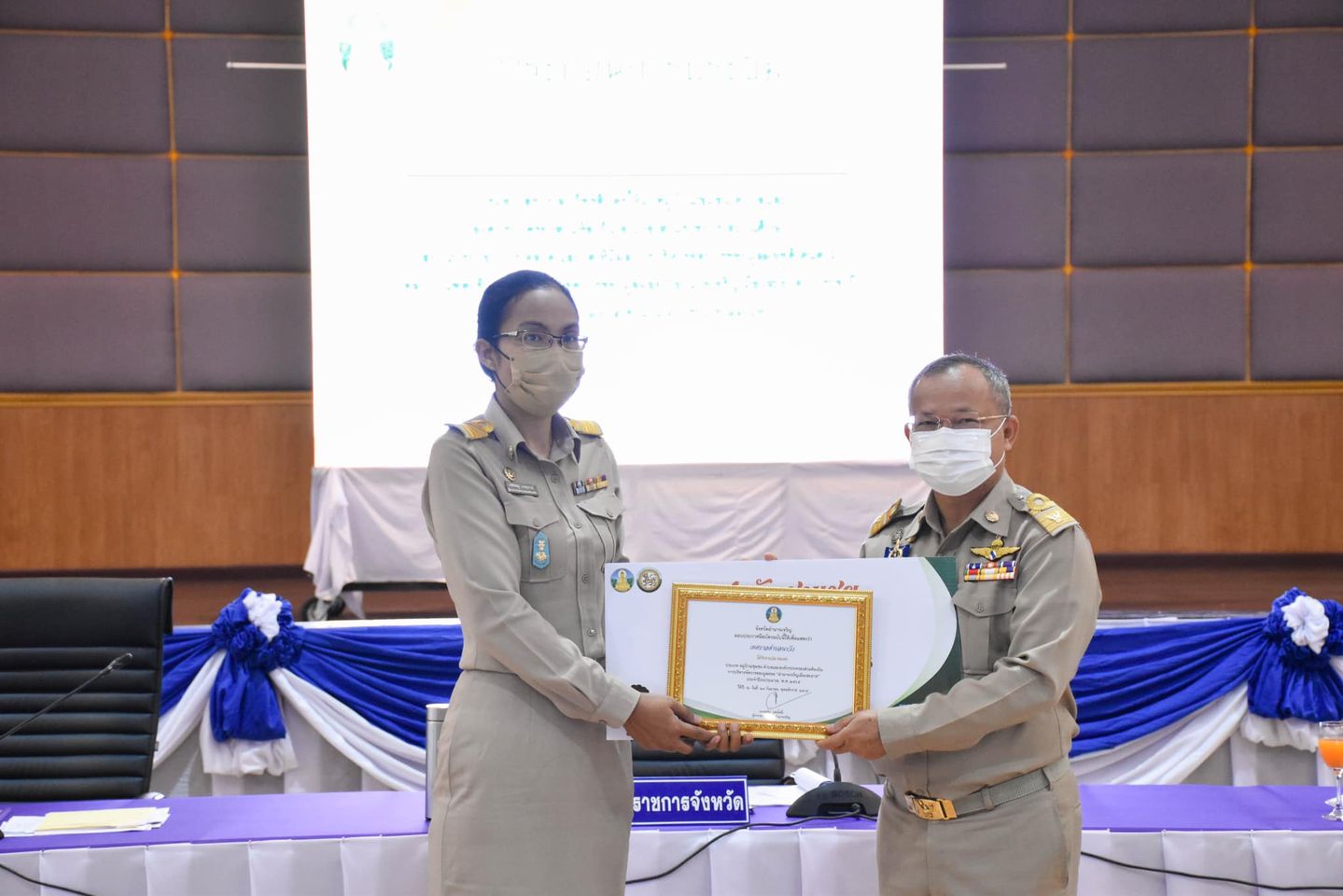
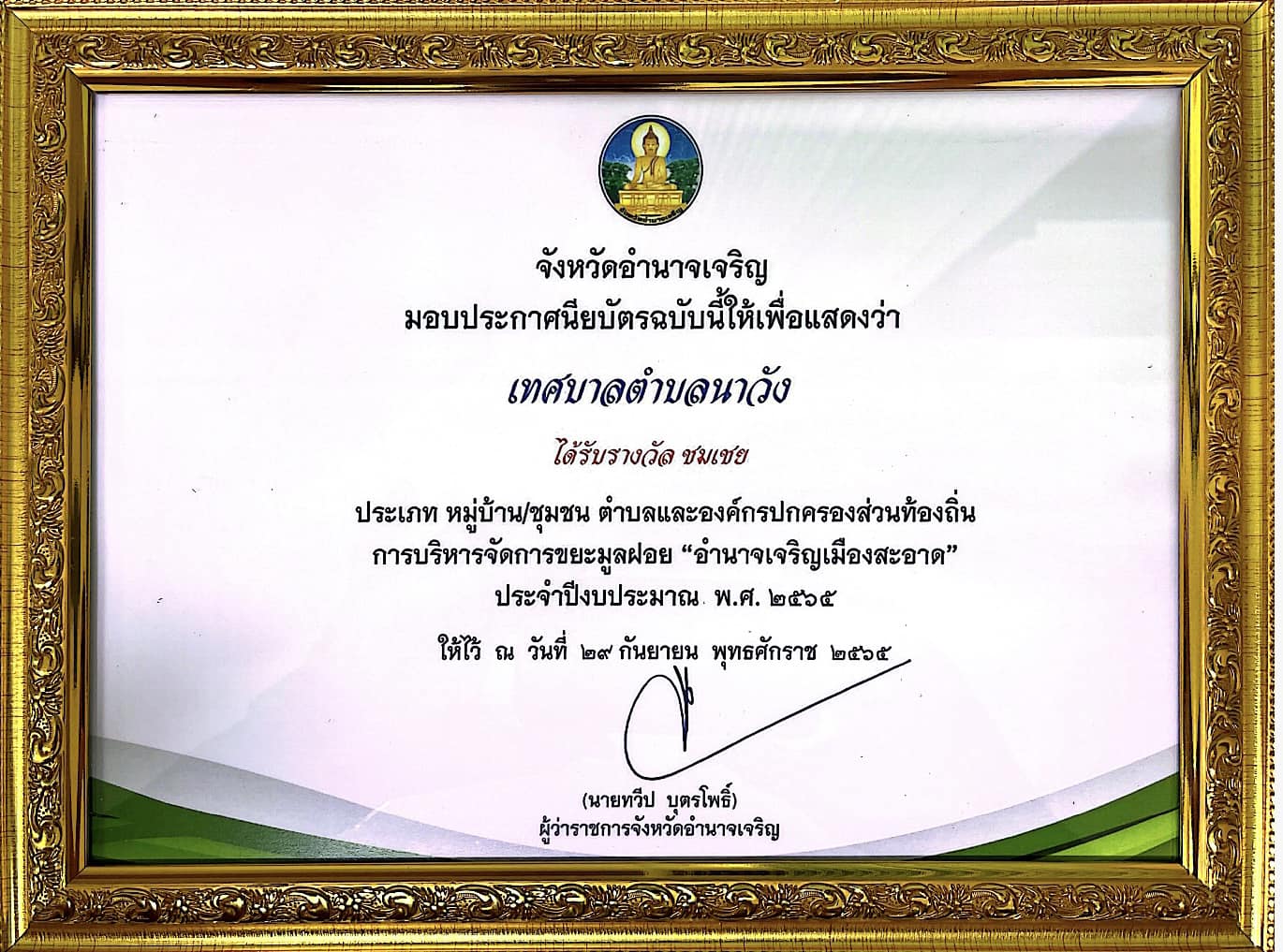
วันพฤหัสบดีที่ 29 กันยายน 2565 นายประยงค์ บุญทอง นายกเทศมนตรีตำบลนาวัง มอบหมายให้นางเพชรชมภู เกษสุพรรณ์ ผู้อำนวยการกองสาธารณสุขและสิ่งแวดล้อม รับมอบรางวัลชมเชย ประเภท หมู่บ้าน/ชุมชน ตำบลและองค์กรปกครองส่วนท้องถิ่น การบริหารจัดการขยะมูลฝอย “อำนาจเจริญเมืองสะอาด”ประจำปีงบประมาณ พ.ศ.2565 โดยมี นายทวีป บุตรโพธิ์ ผู้ว่าราชการจังหวัดอำนาจเจริญ เป็นประธานในการมอบ ณ หอประชุมพญานาครินทร์ ศาลากลางจังหวัดอำนาจเจริญ
.jpg "Click to enlarge image 309520030_1271609570292065_2892156118250025461_n (1).jpg")
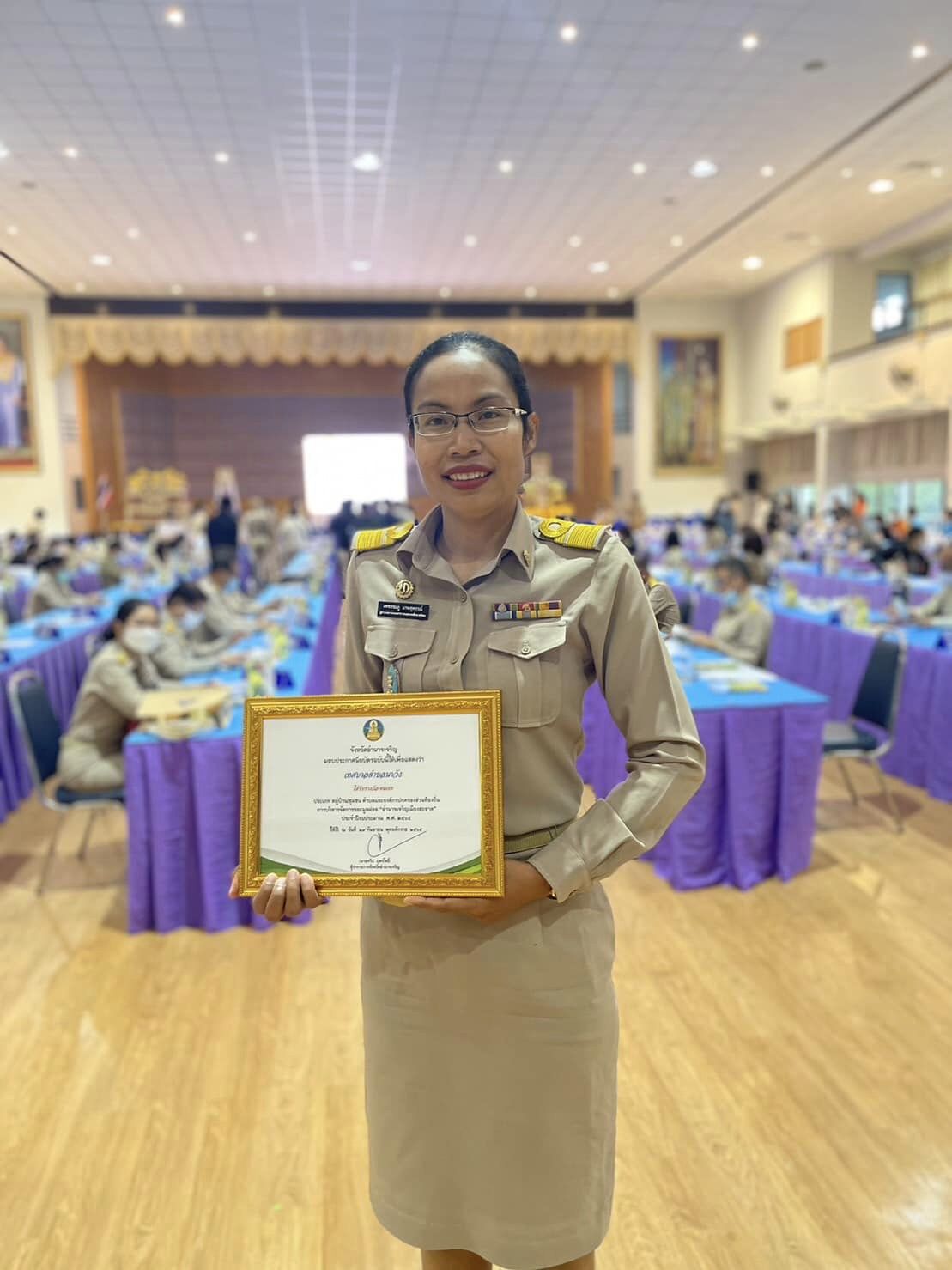
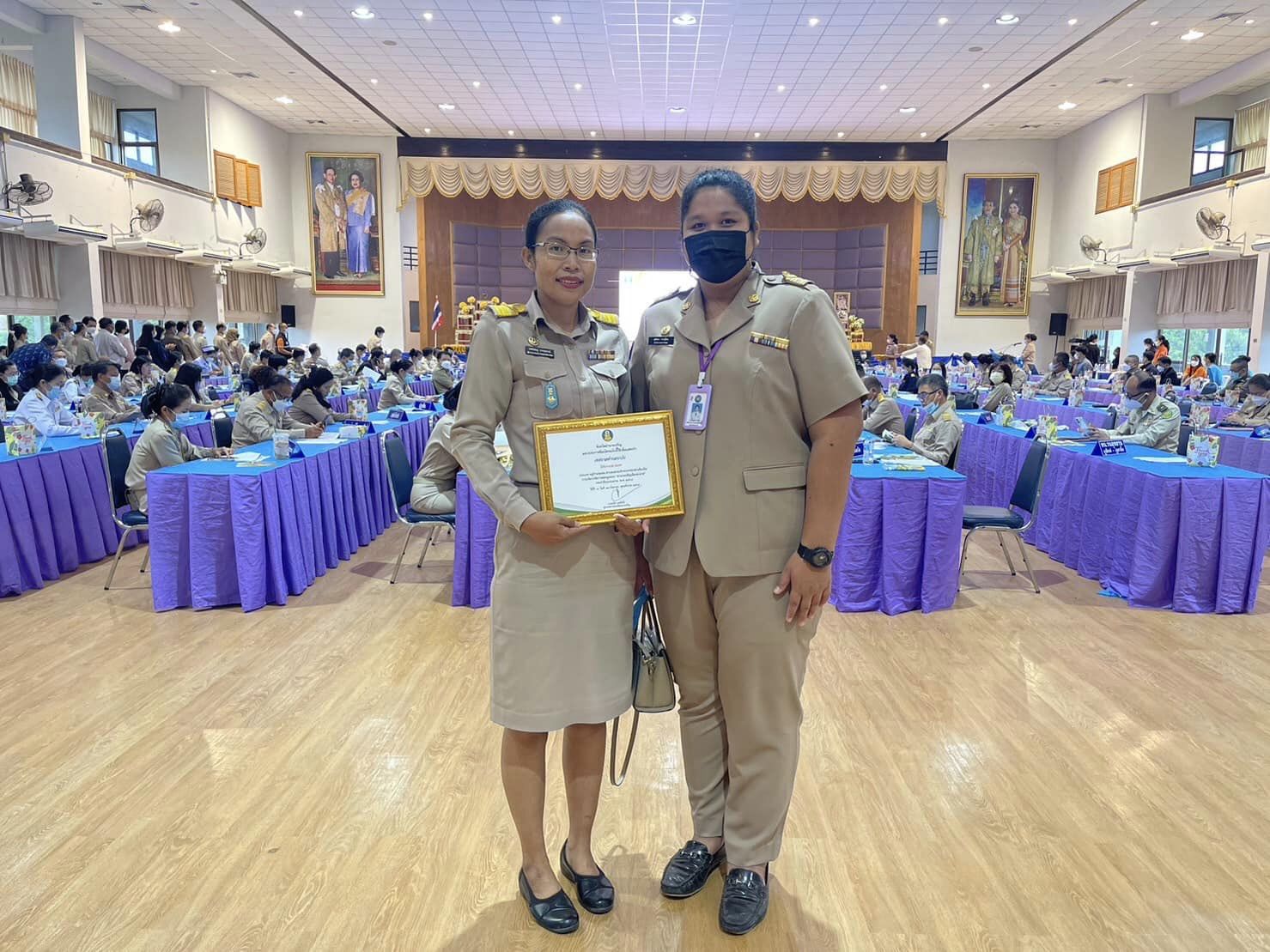
https://www.nawang.go.th/news/activity-news/item/958-activity-1?start=190#sigProGalleria2cc01d08f7
50798 ความคิดเห็น
-
ลิงค์ความคิดเห็น

rufus Rufus remains a lightweight, no-cost, open-source utility created to make bootable USB drives. It helps users prepare a USB flash drive that can install an operating system, run diagnostic tools, or start a recovery environment. The program works without installation and can be opened as soon as it is downloaded.
วันจันทร์, 09 มีนาคม 2569 04:57 โดย : rufus download
The primary purpose of Rufus is to create bootable USB media from ISO images with speed and stability. This allows users to install or run operating systems directly from a USB flash drive without the need for DVDs. The tool supports a broad selection of operating systems and service utilities, which makes it useful for both regular users and system administrators.
Rufus works on computers with Microsoft Windows, starting from Windows 7. Both 32-bit and 64-bit versions are supported, and there is also a version available for ARM64 architecture.
The software allows users to create bootable USB drives from many different ISO images. It can be used to prepare a USB drive for installing Windows 11, Windows 10, Windows 8.1, or Windows 7, as well as various Linux distributions. Rufus also works with DOS systems and other recovery or maintenance tools commonly used for troubleshooting computers.
One of the built-in features of Rufus is the ability to download official Windows ISO images directly from Microsoft servers. This allows users to obtain original installation images for Windows 8.1, Windows 10, and Windows 11 without searching for them on third-party websites.
In addition to creating bootable drives, Rufus can format USB devices. It supports several file systems including FAT32, NTFS, exFAT, UDF, and ReFS. This flexibility allows the USB drive to be prepared for different use cases and compatibility requirements.
Rufus supports both legacy BIOS systems and modern UEFI environments. Because of this, bootable drives created with Rufus can work on older computers as well as newer systems that use UEFI and Secure Boot.
Another feature included in Rufus is Windows To Go support. This option allows users to run a full Windows environment directly from a USB drive. It can be useful for testing systems, performing maintenance, or working on multiple computers without installing Windows on the internal drive.
Rufus also provides the option to bypass certain Windows 11 installation requirements. When creating an installation USB, the program can disable checks for TPM 2.0, Secure Boot, and minimum RAM requirements. This makes it possible to install Windows 11 on computers that would otherwise not meet the official hardware requirements.
One of the reasons Rufus has become popular is its speed and simplicity. The program is extremely small, about 1.9 MB in size, and runs as a portable application without installation. It is distributed under the GPL v3 open-source license, supports more than 70 languages, and contains no advertisements, bundled software, or tracking components.
Rufus works with a large number of ISO images. These include multiple versions of Windows, Windows Server editions, FreeDOS, and various system tools such as GParted, Hiren’s Boot CD, Parted Magic, and Clonezilla. Because of this wide compatibility, the program can be used not only for installing operating systems but also for disk management, data recovery, and system maintenance tasks.
To use Rufus, a computer running Windows 7 or later and a USB flash drive are required. The program does not need to be installed. Users simply download the executable file, run it, select the ISO image they want to use, and create a bootable USB drive. Due to its simplicity, speed, and reliability, Rufus remains one of the most widely used tools for creating bootable USB drives. -
ลิงค์ความคิดเห็น

прогулка на катере санкт петербург [url=https://arenda-yakhty-spb.ru/]прогулка на катере санкт петербург[/url] .
วันจันทร์, 09 มีนาคม 2569 04:57 โดย : arenda yahti spb_fvPi -
ลิงค์ความคิดเห็น

вывод из запоя в стационаре в ростове-на-дону [url=https://vyvod-iz-zapoya-v-rostove-3.ru/]вывод из запоя в стационаре в ростове-на-дону[/url] .
วันจันทร์, 09 มีนาคม 2569 04:35 โดย : Vivod iz zapoya v Rostove_vzPi -
ลิงค์ความคิดเห็น

аренда яхты спб [url=https://arenda-yakhty-spb-2.ru/]аренда яхты спб[/url] .
วันจันทร์, 09 มีนาคม 2569 03:32 โดย : arenda yahti spb_axKn -
ลิงค์ความคิดเห็น

вывод из запоя в стационаре в ростове на дону [url=https://vyvod-iz-zapoya-v-rostove-2.ru/]вывод из запоя в стационаре в ростове на дону[/url] .
วันจันทร์, 09 มีนาคม 2569 02:58 โดย : Vivod iz zapoya v Rostove_qfEn -
ลิงค์ความคิดเห็น

наркологическая клиника в ростове вывод из запоя [url=https://vyvod-iz-zapoya-v-rostove-1.ru/]vyvod-iz-zapoya-v-rostove-1.ru[/url] .
วันจันทร์, 09 มีนาคม 2569 02:54 โดย : Vivod iz zapoya v Rostove_wuel -
ลิงค์ความคิดเห็น

нарколог на дом срочно ростов-на-дону [url=https://narkolog-na-dom-v-rostove-4.ru/]нарколог на дом срочно ростов-на-дону[/url] .
วันจันทร์, 09 มีนาคม 2569 02:47 โดย : Narkolog na dom v Rostove_coPt -
ลิงค์ความคิดเห็น

нарколог на дом срочно ростов-на-дону [url=https://narkolog-na-dom-v-rostove-2.ru/]нарколог на дом срочно ростов-на-дону[/url] .
วันจันทร์, 09 มีนาคม 2569 02:31 โดย : Narkolog na dom v Rostove_bvOn -
ลิงค์ความคิดเห็น

99 down [url=https://caiu.site/]caiu.site[/url] .
วันจันทร์, 09 มีนาคม 2569 01:45 โดย : Caiu_fdsi -
ลิงค์ความคิดเห็น

1win ios версия [url=http://1win20819.help]1win ios версия[/url]
วันจันทร์, 09 มีนาคม 2569 01:26 โดย : 1win_wqOa
แสดงความคิดเห็น
***กรุณาแสดงความคิดเห็น ด้วยความสุภาพ เคารพต่อสิทธิของผู้อื่น ไม่ละเมิดต่อกฎหมาย และศีลธรรมอันดีของสังคม